

 Beat Ghost
Hit the beat, collect cards, and unleash a heavy strike.
Beat Ghost
Hit the beat, collect cards, and unleash a heavy strike.
Released





After a long day, someone is still waiting on the other side of the screen. Crush OS brings Xiao Qi—a lively 3D companion—onto your desktop. She stays in your wallpaper while you work, and when you feel like talking, she listens to every word.
Chat anytime by typing or holding a hotkey to speak. Her voice carries warmth—happy, shy, or playful—and she moves with the conversation: dance, run, do push-ups, or lie down to rest. Blinks, smiles, anger, and blushes show on her face.
Wallpaper mode keeps her in the background without covering icons or stealing the mouse. Interactive mode brings her to the front so you can tap, drag, and play. When you step away, she may shrink and roam, or peek from the edge for hide-and-seek; move the mouse and she returns. Mute her voice and she stays with text bubbles and motion. The UI and chat switch between Chinese and English. Switch modes from the tray, open settings, pick a monitor, and join with an invite code.
You do not need to open anything special—look up at the desktop, and Xiao Qi is already there. Crush starts on the desktop.
Beat Ghost
Hit the beat, collect cards, and unleash a heavy strike.
 Magic Brick Breaker
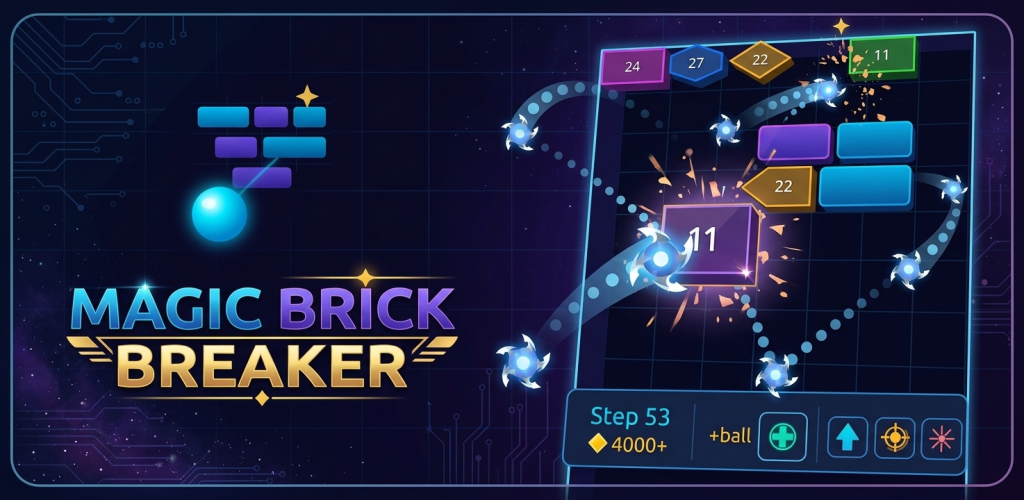
Aim, fire, and watch the ball ricochet through the bricks. Find the angle, chain the hits, and score faster.
Magic Brick Breaker
Aim, fire, and watch the ball ricochet through the bricks. Find the angle, chain the hits, and score faster.
 AClock
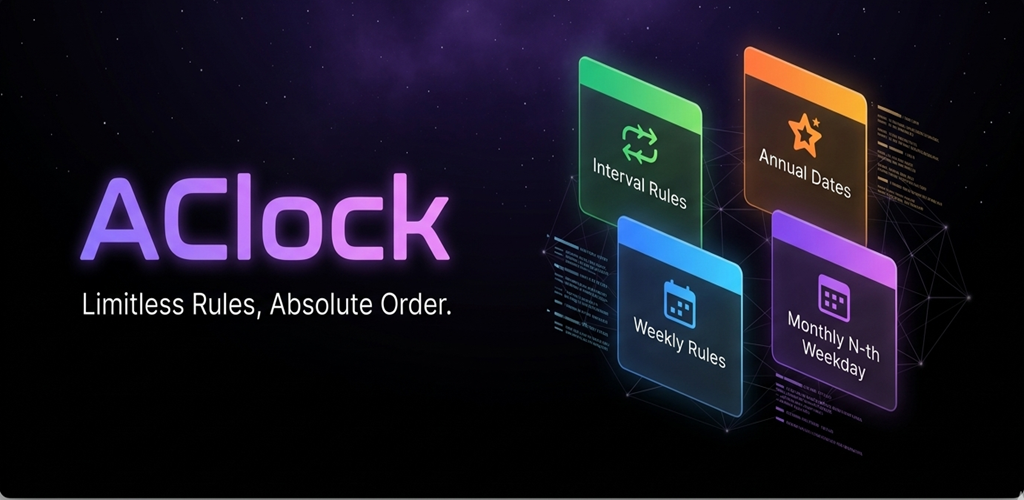
A reminder that steps outside the usual daily or weekly cycle, with flexible rules and a background service that stays alive.
AClock
A reminder that steps outside the usual daily or weekly cycle, with flexible rules and a background service that stays alive.